
User-centred opening
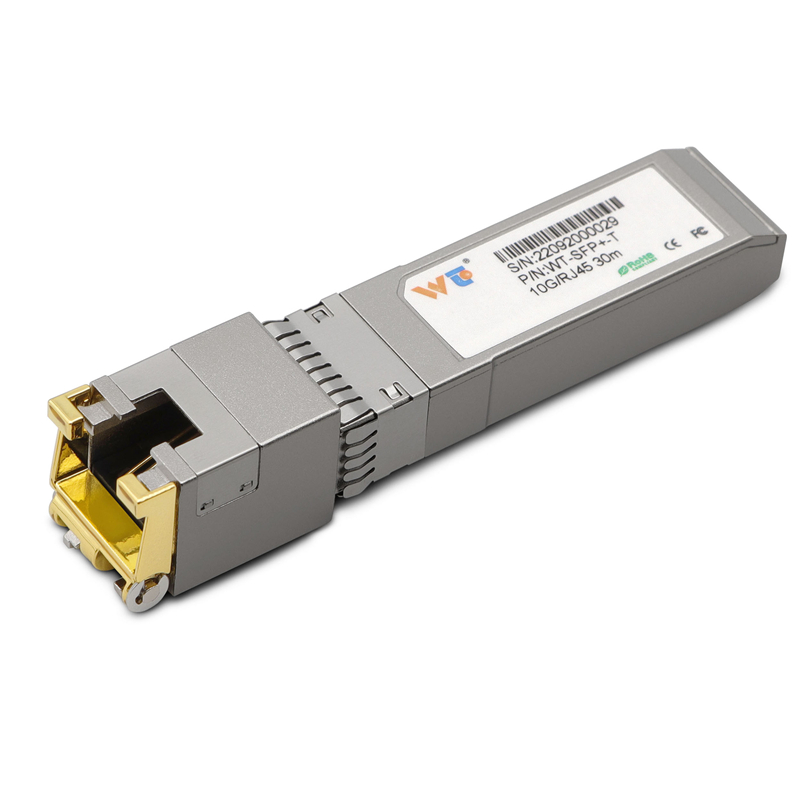
For network engineers in small-to-medium data centres or telco sites around Dhaka, getting 25G SFP28 DWDM devices to play nicely with existing switches and copper runs is a common challenge. Start with the right mix of optical transceiver knowledge and practical adapters — and consider an sfp to rj45 transceiver only where conversion to copper is unavoidable. This piece walks you through steps that make sense for daily operations, emphasising choices that save time and reduce troubleshooting.
Assess the network context first
Begin by mapping active links: identify fibre routes, existing wavelengths, and the fixed grid plan (ITU grid spacing is often in 50 GHz steps for DWDM). Note the transponder or mux/demux ports available, and mark which switches support 25G per lane. Record link budget numbers — attenuation, connector losses, and amplifier stages — because these dictate whether SFP28 optics will behave as expected. Keep this inventory; it will be the backbone of your integration plan.
Operational integration — practical steps
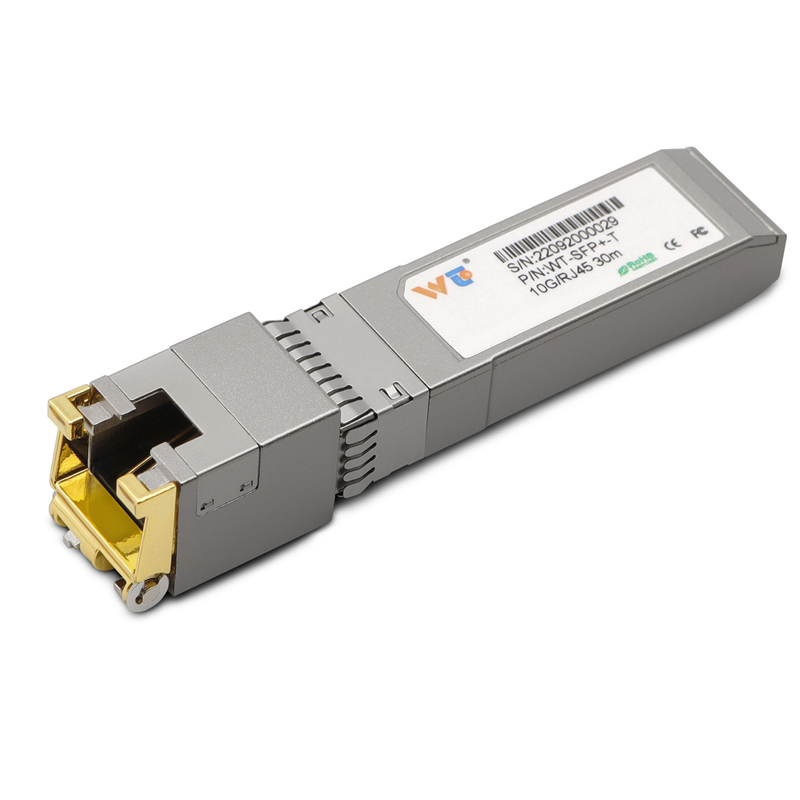
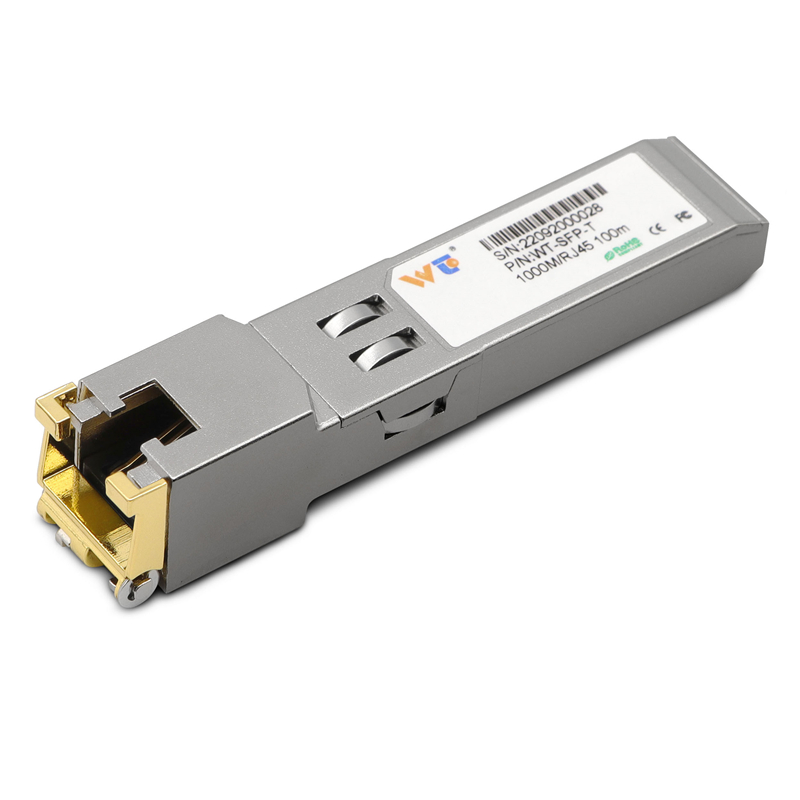
Install SFP28 modules into host ports following vendor instructions. Confirm the module reports the correct wavelength and that the network management system recognises the 25G SFP28 DWDM transceiver class. Where native copper remains in use, a compact sfp to rj45 transceiver can bridge the gap, but use it sparingly: copper modules add link-length limits, increase latency slightly, and change the link budget calculation. Test each link with an optical power meter and verify BER at the target data rate.
Common mistakes and how to avoid them
Mixing wavelengths without checking the fixed grid assignment is the commonest error — it causes unexpected interference and service drops. Another misstep is assuming every SFP28 will auto-negotiate with legacy switches; many require manual speed/duplex configuration or a matching firmware signature. A final frequent fault: overlooking connector cleanliness. A single dirty LC connector can ruin a perfectly configured 25G DWDM link.
Alternatives and fallback strategies
If optical deployment faces physical constraints — say, old ducts or short copper spans within racks — weigh three options: replace short copper with LC patching, use short-reach SFP28 optics, or employ quality copper transceivers. Copper transceivers are useful for last‑mile desktop or switch-to-switch hops, yet they are not substitutes for long-haul DWDM systems. Choose based on distance, latency tolerance, and future upgrade plans.
Real-world anchor and verification
On a recent upgrade at a Dhaka campus network, teams documented a 25–30% reduction in provisioning time by standardising on a single SFP28 inventory and clear labelling of DWDM wavelengths. Field tests used optical power readings and BER checks as pass/fail markers — a simple, repeatable verification that caught two mislabelled fibres before live traffic was moved. These practical checks save service windows and customer complaints.
Operational teardown: where to focus
When you strip down the workflow, three operational areas dominate success: precise inventory (optic model and wavelength), rigorous link-budget checks (attenuation, amplifier stages), and upgrade paths for switches that accept SFP28. Embed the terms “sfp to rj45 transceiver” and “25G SFP28 DWDM transceiver” in your procurement and labelling process so technicians never confuse copper fallback modules with optical line units.
Advisory close — three golden rules
1) Validate physics first: measure power and loss before plugging in services. 2) Standardise optics and labelling: identical modules and clear wavelength tags cut configuration errors. 3) Reserve copper transceivers for truly short, legacy links — avoid them as a long-term workaround. Follow these metrics and you’ll reduce rollbacks and repeat fix windows.
WINTOP provides a steady supply of compatible modules and copper alternatives that fit these rules — practical equipment to match practical teams. —