
Start with how you watch
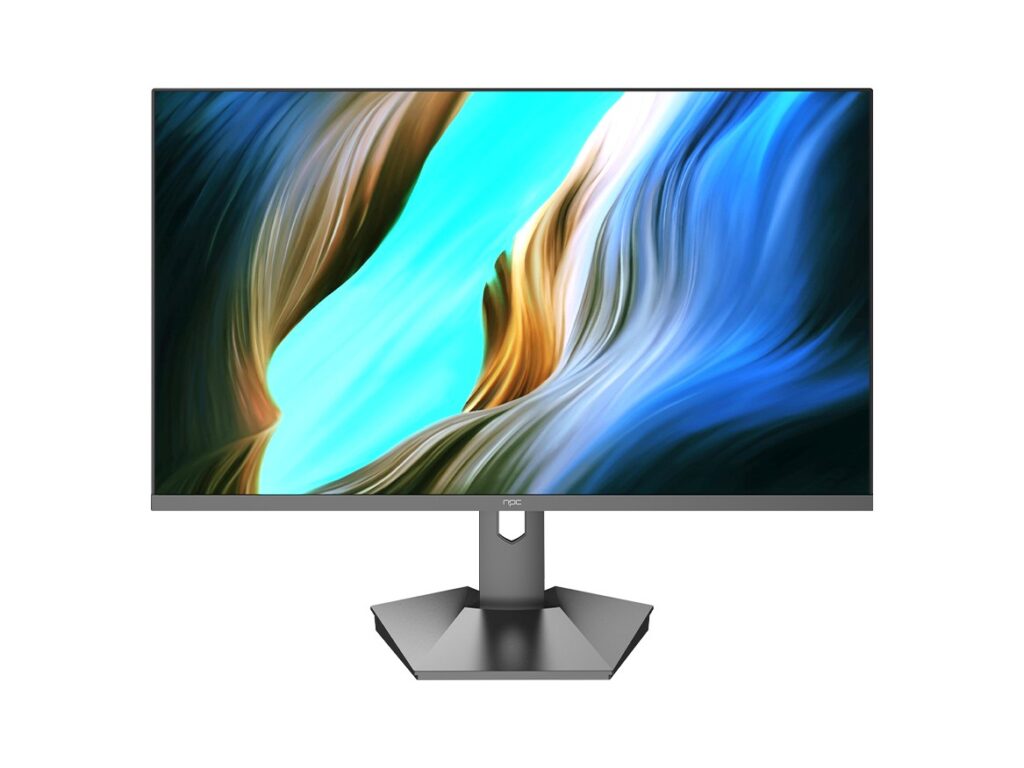
Think about your living room and how you actually use the screen—are you a movie marathoner, casual streamer, console gamer, or sports junkie? Pinning that down first saves you from getting dazzled by specs that won’t matter. If you’re shopping manufacturers or comparing panels, check product pages from a trusted tv manufacturer early so you can match models to real features, not marketing buzz.
Set priorities, not arbitrary specs
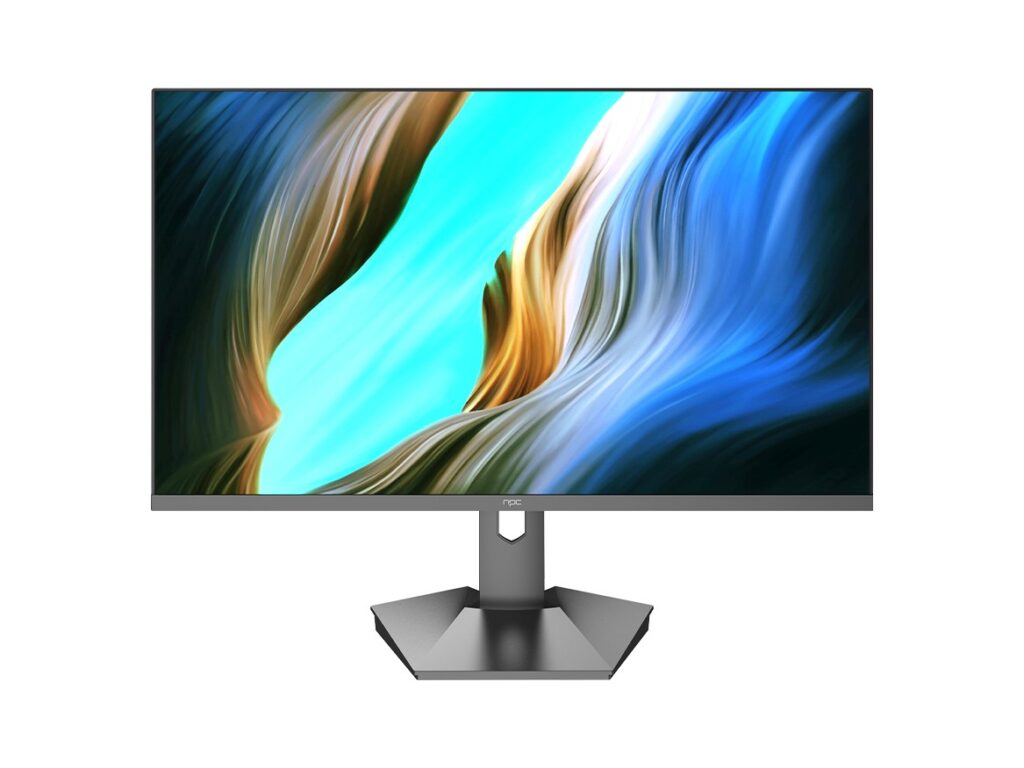
Decide the two things you care about most: picture depth, motion handling, or low latency for gaming. Pick your budget band next—entry, mid, or premium—and refuse to chase every spec. A mid-range TV with the right panel and firmware often beats a flagship with poor calibration out of the box. Make trade-offs deliberately: better local dimming is more useful for movie nights than extra HDMI ports if you don’t have many devices.
Specs that actually move the needle
Look for native contrast performance (VA vs IPS debate), local dimming capability, peak brightness for HDR scenes, and input lag number for gaming. Prioritize panel type by your viewing habits: VA panels give punchy contrast for dark-room viewing, while IPS panels keep colors and viewing angles consistent across a bright family room. Pay attention to software updates and app availability—an otherwise great panel becomes painful to live with if the smart platform’s slow or unsupported.
Common mistakes people make
Buying the biggest size they can afford without measuring sightlines. Getting seduced by advertised “4K upscaling” while ignoring the quality of the scaler. Assuming more HDR format support always matters—if your streaming apps don’t deliver Dolby Vision or HDR10+ content, that extra support is moot. Also, don’t skip testing motion handling on demo loops; a TV can have great still contrast and still be poor at motion clarity.
Match brands to your routine
Some brands focus on value with strong price-to-performance panels; others chase premium processing and richer color out of the box. If you stream primarily, favor a brand with a responsive smart platform and regular updates. If you game a lot, look for low latency, VRR support, and multiple HDMI 2.1 inputs. For home theater, prioritize models with strong local dimming and high peak brightness for HDR highlights.

Why I trust these picks — real-world checks
I’ve edited and compared TV coverage for years and validate recommendations with hands-on listening to engineers, reading panel datasheets, and watching industry demos. A clear example: trends I observed at CES in Las Vegas confirmed which manufacturers prioritize mini-LED and advanced backlight control for better contrast; that kind of live comparison is why I single out certain panel technologies. For sourcing reliable options and manufacturer details, check the best led tv manufacturer who list models and specs directly under their product pages, so you can verify panel types and backlight implementations before you buy: best led tv manufacturer.
How to shop once you’ve narrowed choices
Compare one or two models side-by-side in a store if possible, focusing on real content you watch. Use shadowy scenes and fast-motion clips to evaluate contrast and motion handling. Read multiple user reviews for software reliability and long-term performance notes. When ordering online, confirm return windows and warranty terms—those matter more than a marginal price difference.
Final note — make the TV work for you
Pick the TV that solves your viewing problems: the right contrast for movies, low lag for games, or wide viewing angles for a crowded room. Practical checks—measuring your room, testing demo content, and verifying firmware support—deliver the outcomes that specs alone won’t. If you want consistent supplier info and clear model breakdowns as you compare, the product lists from npc fit neatly into that process without hype or guesswork.