
A Quiet Shift in the Room
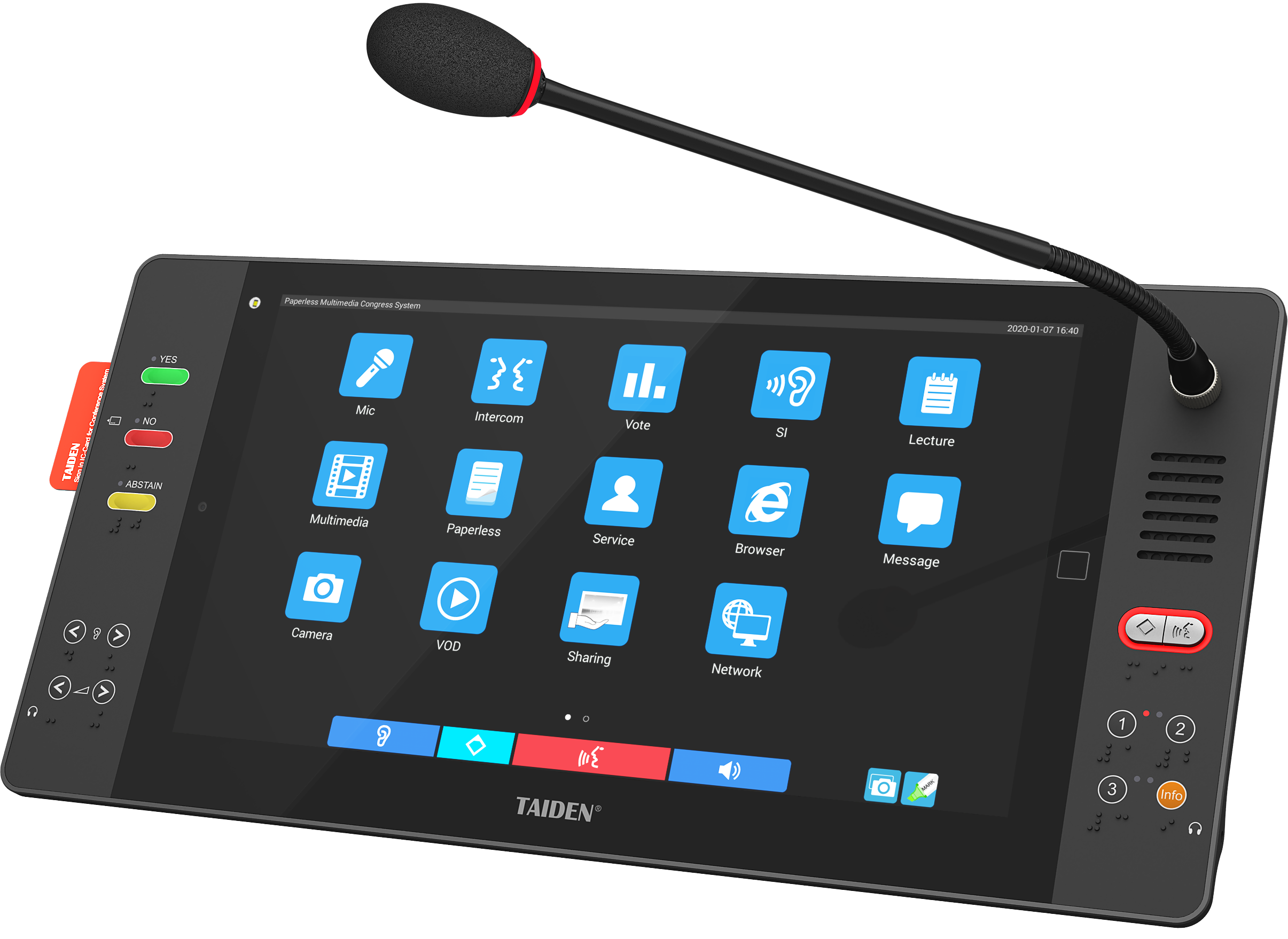
Let us define the change first: a meeting is now a shared, digital surface. The second someone taps “Join”, the paperless conference system sits at the core, stitching screens, mics, cameras, and notes into one flow. In many offices, this is routine now. Yet the room still sets the mood, and that mood depends on how well audio, video, and control move through the stack. Industry trackers suggest that more than 60 per cent of rooms tried to cut paper last year, but only about half reported smoother sessions. Why the gap? It is not the app alone; it is the wiring behind it, the DSP chain, and the way “handover” is done when presenters switch. If the latency budget slips, or the network QoS is noisy, the human attention slips with it—funny how that works, right?
So here is the scenario: a weekly review with hybrid guests, screen share live, voting on decisions, and notes synced to archives. The numbers look fine on a dashboard, but the lived experience tells another story. A small echo at 10:03, a camera freeze at 10:17, and someone’s mic fades at 10:24. The question writes itself: do your AV choices match the new, paperless way of working, or are you still relying on older room habits? Let us step into the comparison that matters next.
The Hidden Friction in AV That No Agenda Shows
Where do meetings actually fail?
Teams often pick conference room av solutions and assume the job is done. But the pain shows up later, in small cuts. A presenter moves two seats away and the beamforming microphones stop tracking cleanly. The DSP matrix is set for last year’s layout, so speech sounds “near, then far”. A guest joins and the latency budget expands by 150 ms, which seems minor until talk-over starts. People feel it, even when they cannot name it. The agenda keeps moving, but the room feels hard. Look, it’s simpler than you think: the flaws are not dramatic; they are repeatable. They live in handoff time between sources, in how PoE switches feed endpoints, and in whether acoustic echo cancellation is tuned for the actual table, not some ideal one.
Hidden friction also comes from assumptions. We expect laptops to behave as polite citizens. They do not. USB hubs draw current badly if power converters are cheap. A codec update nudges a driver, and the camera handshake resets mid-call—twice. Wi‑Fi chatter bleeds into wireless mics unless RF planning is strict. None of this shows on the invite. But users feel the stops and starts. They move to side chats. They take photos of slides and go offline (not the point of “paperless”, is it?). Your best defence is boring reliability: predictable source switching, sane gain structure, simple control UI, and guardrails for guest devices. Do that, and the room breathes. Do less, and you will spend more time saying “Please unmute” than you ever wanted—oddly familiar, no?
What’s Next: Principles That Keep Rooms Calm Under Load
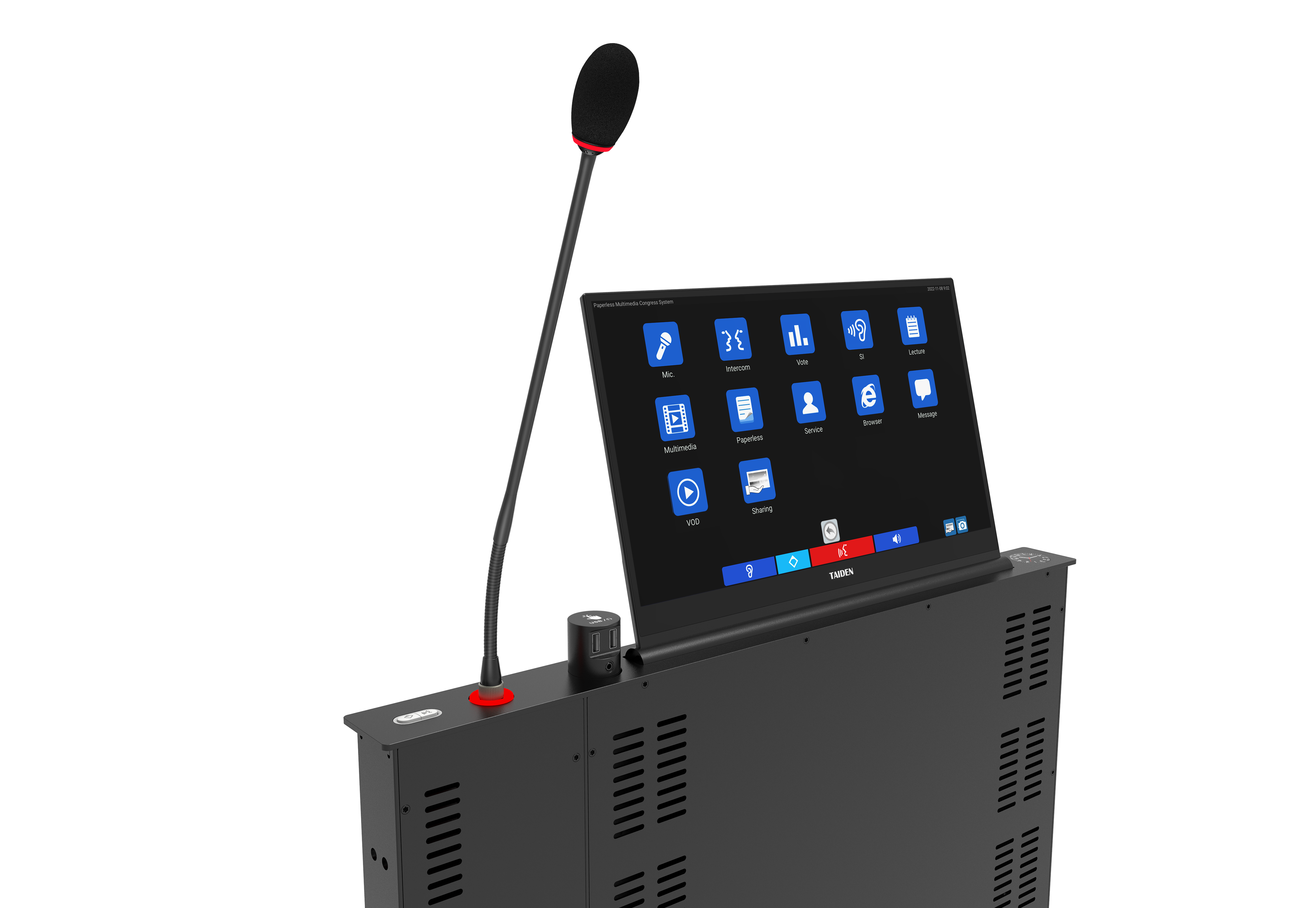
The better path is not flashy; it is architectural. Treat the room like a small network service with clear contracts. Use deterministic audio transport, such as Dante or AES67, with redundancy, so failover is silent. Keep edge computing nodes in the rack to run vision framing and transcription close to the source. Then, let the cloud handle heavy analytics. Separate control from content on the network, and mark QoS so video does not bully control APIs. If you add a multimedia congress system for voting, agenda, and speech timing, design signal paths that survive presenter swaps without a frame drop. UHD switching is nice, but consistent sync is nicer. Also, test with real humans walking, coughing, shifting chairs. It sounds quaint, but it saves you on go‑live day.
Think about power and recovery too. Good power converters and clean grounding reduce gremlins you will otherwise blame on software. Build a simple “first aid” panel: reset DSP, reseat endpoints, check clock sync, verify SIP gateway. Keep a latency budget posted in the rack (yes, printed—ironic, I know). If you support multiple languages or hybrid floor/booth audio, document channel maps and lock them. Finally, choose devices with published control APIs and long-term firmware support; you do not want a dead end six months in. When a room runs like this, the paperless workflow feels natural. People stay in the flow. The tech fades—exactly as it should.
How to Choose Without Regret
Let us bring it home with three clear metrics you can use today. First, measure time-to-audio: from “Join” to first clear sentence, under six seconds is ideal, under ten is acceptable. Second, check handover stability: switch between three sources, twice each, and target zero frame tears and no more than one second of mute. Third, validate network hygiene: sustained QoS under load with packet loss below 0.1 per cent and clock drift within your stated latency budget. Score vendors on these, not on slides. Compare your short list on live demos, not in theory—because rooms behave like rooms, not like brochures. If you anchor on these numbers, your paperless workflow will feel smooth, and your team will get their minutes without missing a beat—funny how discipline breeds ease, right? For a deeper look at integrated conference architectures and device ecosystems, you can review established providers such as TAIDEN.